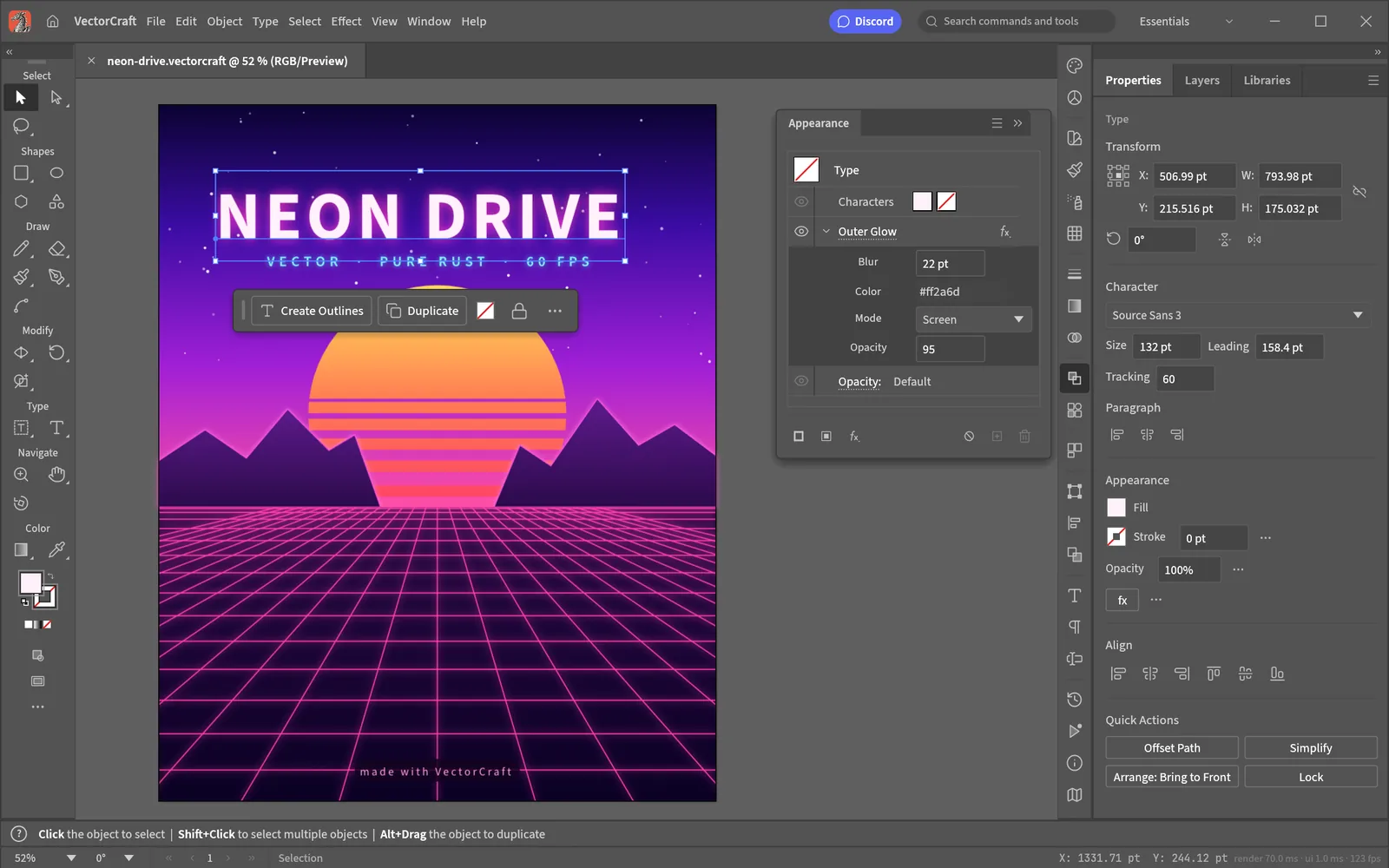
What does VectorCraft do?
The official page describes pen and direct-selection tools, shape boolean operations, snapping and editable effects. It lists SVG and PDF import and export, plus PNG, JPEG and WebP output.
For a first check, use a simple icon with a few curves and a gradient. Inspect the exported SVG in your intended browser or application. Fonts and effects deserve separate checks when files move between tools.
Vector editor or SVG code viewer?
A visual editor is useful when you need to draw or reshape paths. A code viewer is useful when you need to inspect markup, adjust a fill or check the viewBox. Those jobs are related but do not require the same interface.
Our SVG editor page links both the VectorCraft project and SVG Viewer. It is a navigation guide, not an embedded canvas.
Where to download VectorCraft
Use the official app page to choose a launcher or standalone build. Check the operating system and architecture before downloading. The page also offers a Web build for self-hosting; running that package requires a separate deployment.
Check your illustration workflow
The official Crafting Apps directory labels VectorCraft in development. Do not infer full Illustrator compatibility from a familiar interface.
Test the exact formats your clients or printers require. SVG export is not a promise of lossless native AI-file interchange, font portability or identical PDF output.
Questions, answered
Does VectorCraft support SVG?
The official page lists SVG import and export. This directory has not tested a round trip.
Does this site host VectorCraft online?
No. We provide a guide and official download links.
Is VectorCraft part of ArtCraft?
Yes. The official ArtCraft Crafting Apps directory links to it.
Sources & checks
Official sources read on . Product claims are source descriptions, not our application testing.