Independent creative tool directory
The right tool.
The next thing you make.
Find your way through PhotoCraft, VectorCraft and LightCraft. Official downloads, practical format guides and tools for the job in front of you.
Independent guides · Official links · No files uploaded here
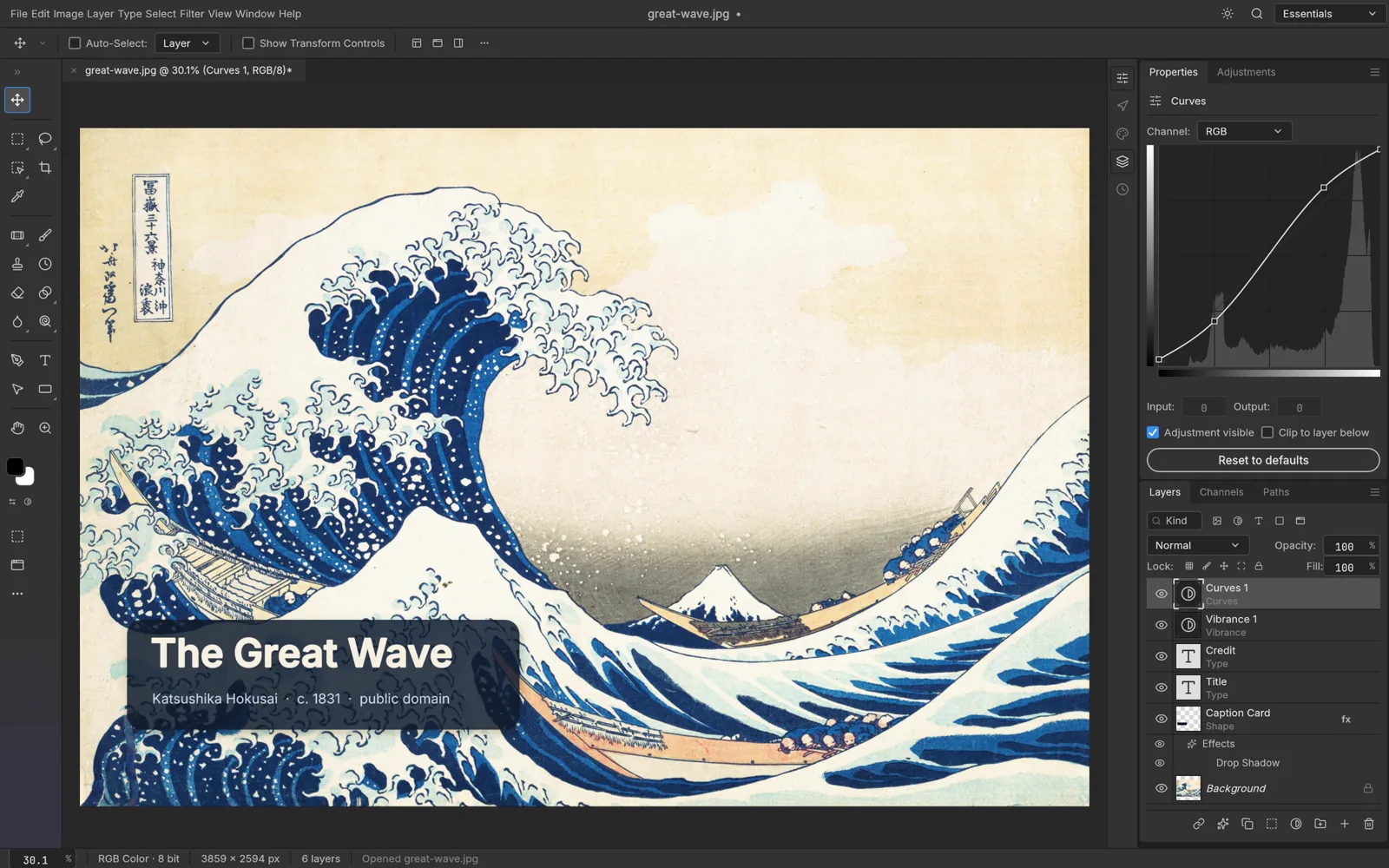
PhotoCraft / Layered image editing
The ArtCraft collection
Three ways to create.
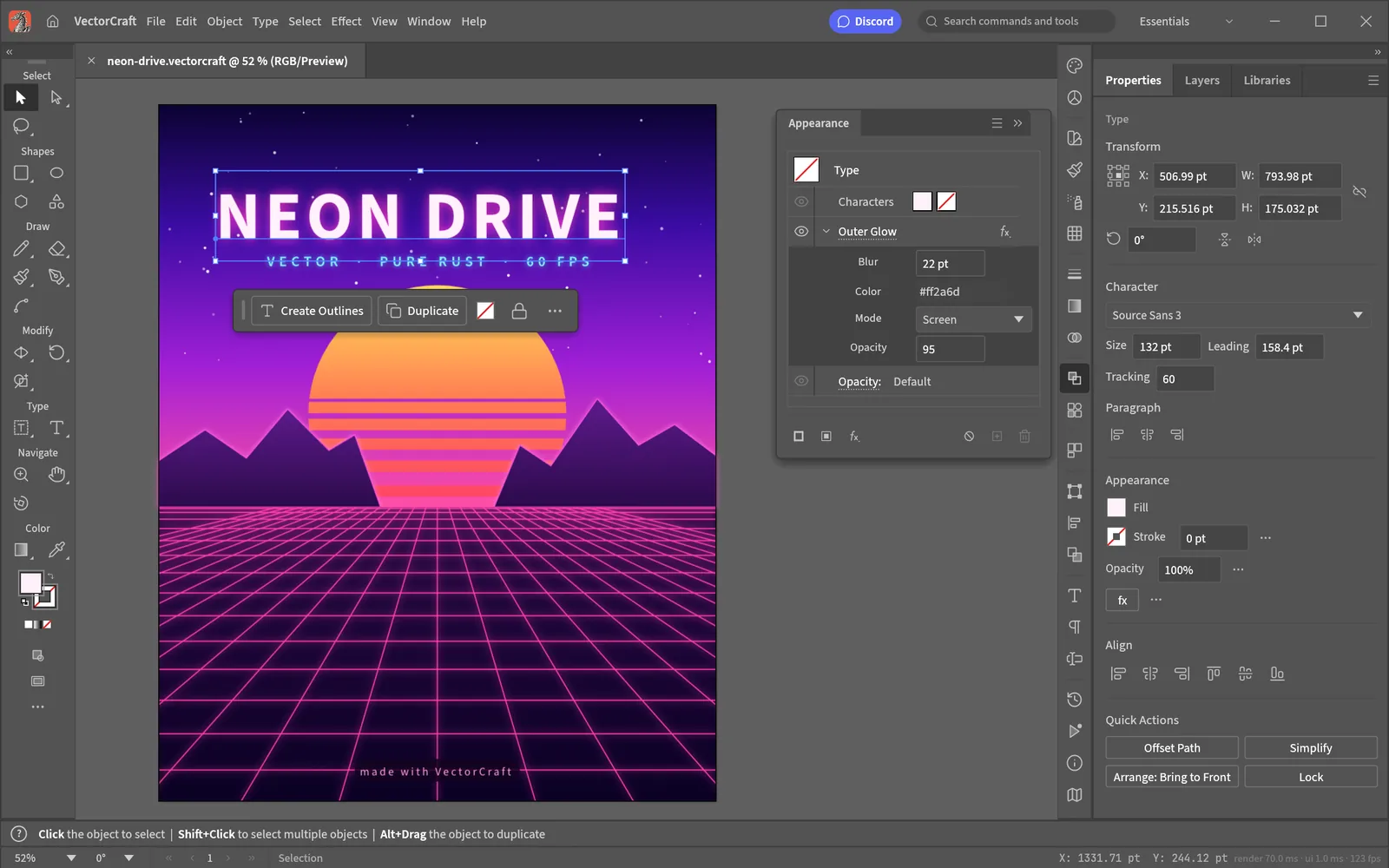
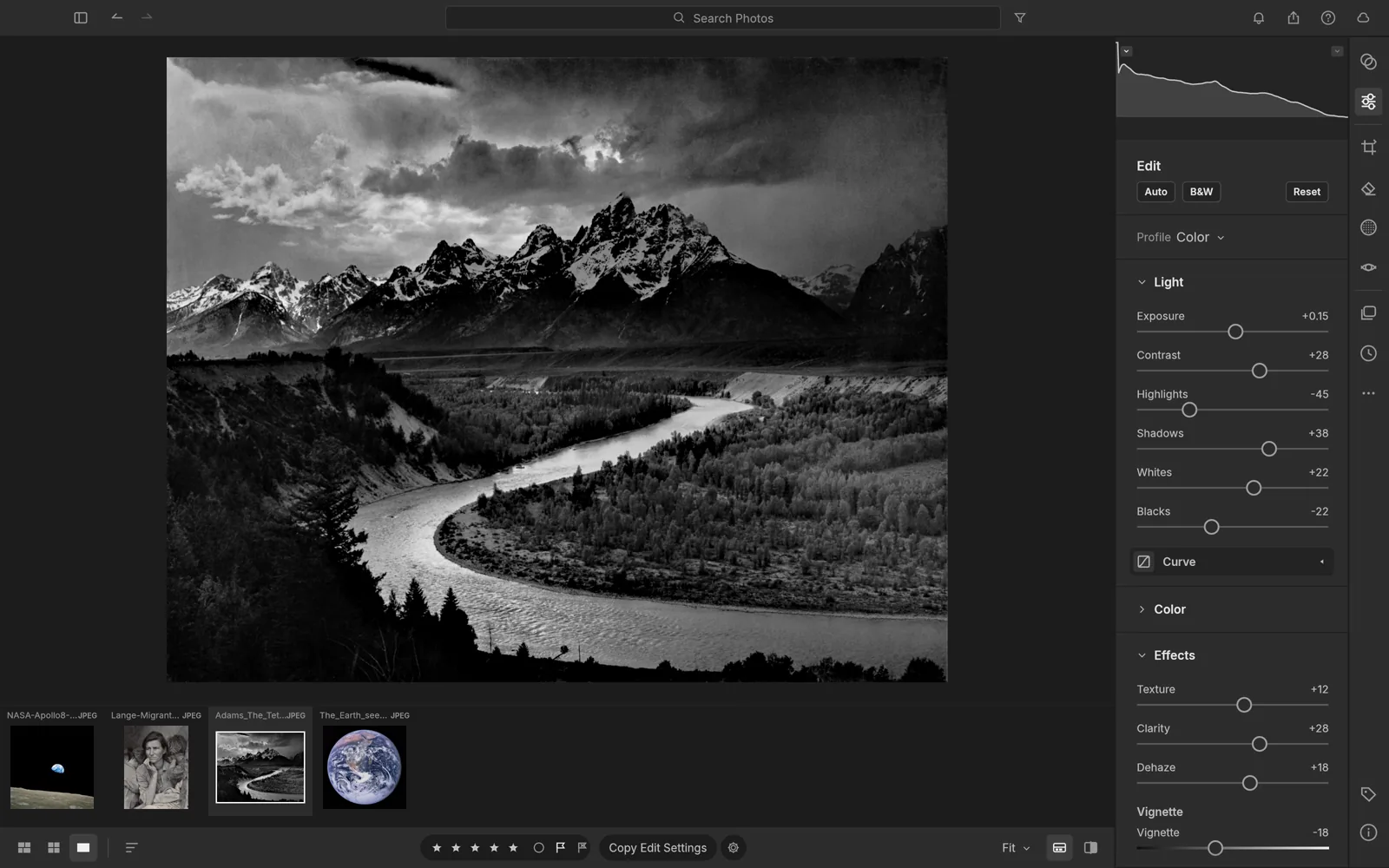
PhotoCraft is for layered image editing; VectorCraft focuses on vector illustration; LightCraft covers photo libraries and RAW development. The official app directory labels PhotoCraft early alpha and the other two in development. These status labels are not our test results.
No tools match these filters.
Your everyday toolkit
A file. A task. A starting point.
Find an SVG editor, a PSD viewer, an image converter or a background remover. Each guide explains its destination before you open an external tool. This directory does not accept your files.
SVG editor
Find a vector editor or inspect SVG markup.
Choose a tool →PSD viewer
Open a layered Photoshop file with the right tool.
Choose a tool →Image converter
Choose a format and convert with a browser tool.
Choose a tool →Background remover
Choose automatic cutouts or editable layer masks.
Choose a tool →From the notebook
Useful before you open the app.
PhotoCraft or Photopea?
Start with the decision you need to make: a desktop image editor to explore, or a browser workflow for a PSD. The two products are independent and serve overlapping tasks.
Read guide →PhotoCraft or LightCraft?
Choose PhotoCraft for layered image editing and investigate LightCraft for a RAW photo library. They belong to the same family but solve different starting problems.
Read guide →SVG or PNG for your next export?
SVG is useful for scalable vector artwork; PNG is useful for lossless pixel images with optional transparency. The right choice depends on what the destination needs.
Read guide →An independent route to official tools.
ArtCraft Tools is an independent navigation site, not the official ArtCraft product. We link to official applications and repositories, distinguish advice from source descriptions and show development limits. We do not claim to have tested the listed editors.
Questions, answered
Is ArtCraft Tools the official ArtCraft website?
No. This is an independent directory. The official ArtCraft website is getartcraft.com.
Can I edit files on this site?
This release provides guides and external tool links. It does not host editors or accept files.
Are the ArtCraft apps ready for every production workflow?
The official directory lists early alpha and in-development statuses. Check representative files and current release notes before changing your workflow.
Sources & checks
Official sources read on . Product claims are source descriptions, not our application testing.